

Are You Investing in IT, or Just Replacing What Breaks?
If most of your IT purchases begin with “this laptop is slow,” “this device has failed,” or “we need another one urgently,” then your business may not really be investing in IT. It may simply be reacting to problems as they appear.
That approach can work when a company is small. But as the business grows, reactive hardware purchasing can create inconsistent devices, unnecessary support work, poor user experience and equipment that becomes unsuitable much sooner than expected.
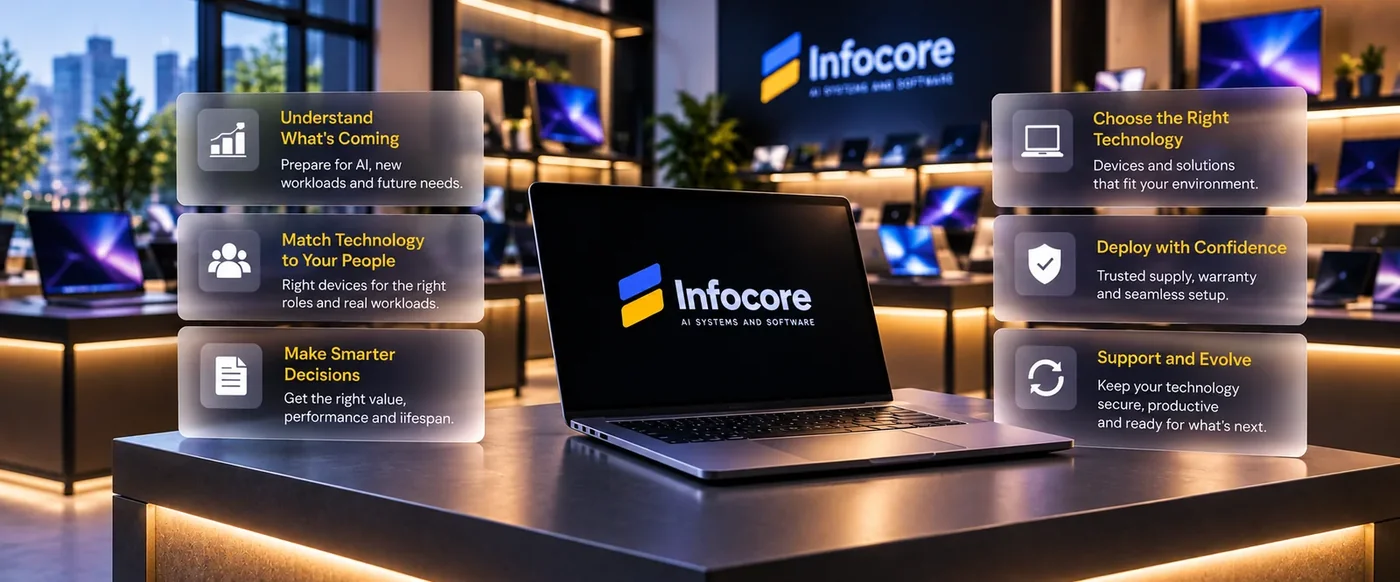
A smarter approach is to look at the complete requirement: what the employee needs to do, what applications they use, how AI may change that workload, how long the equipment should last and how it fits into the wider IT environment.
That is the difference between buying products and building a technology environment around the business.
The Hardware Decision Is Changing
For years, choosing a business laptop mainly meant comparing processor, RAM, storage, battery life and price. Those factors still matter, but modern business computing is changing quickly.
AI is now becoming part of everyday applications, and newer PCs increasingly include a dedicated Neural Processing Unit, or NPU, designed to handle certain AI workloads efficiently on the device. Microsoft currently defines its Copilot+ PC category around systems with an NPU capable of at least 40 TOPS, together with a minimum of 16 GB RAM and 256 GB storage. Microsoft
That does not mean every employee should immediately receive an AI PC. It means companies should start considering AI capability when buying devices expected to remain in service for several years.
The specification that worked three years ago may not automatically be the right specification for the next three.
AI Is Also Changing Who Uses Computing Resources
The bigger change is not just AI running inside applications. AI agents are beginning to perform work across real business systems.
Microsoft now documents Windows 365 for Agents as an environment where AI agents can access managed Cloud PCs and interact with applications, browsers, files and enterprise systems. These environments can be controlled through enterprise technologies such as Microsoft Entra, Intune and Conditional Access. Microsoft Learn
For businesses, this points toward a workplace where computing resources are increasingly used by both people and software agents.
The traditional model was:
Employee → Computer → Business Application
The emerging environment is closer to:
Employees + AI Agents → Managed Compute → Applications → Business Processes
This does not mean AI agents will simply replace employees or take over every physical laptop. It means IT teams increasingly need to think about devices, cloud computing, identity, security and AI as parts of the same technology strategy.
Buy for the Workload, Not the Product Name
One of the easiest mistakes in IT procurement is starting with a model number.
A better starting point is the user.
A finance employee working with Microsoft 365, ERP applications and large spreadsheets has different requirements from a graphic designer working with Adobe applications and high-resolution media. A developer may require additional RAM, multicore performance, containers and several displays. A travelling executive may care more about battery life, portability and conferencing quality.
Even within the same organisation, the correct hardware can therefore be very different.
A useful device strategy might include a few standard profiles:
- Business Productivity: Microsoft 365, CRM, ERP and standard cloud applications
- Performance Business: heavier multitasking, analytics and larger datasets
- Creative or Engineering: higher RAM, GPU, storage and specialist display requirements
- Mobile or Executive: portability, battery life, conferencing and docking
- AI and Advanced Workloads: NPU, GPU and memory configurations for targeted AI use cases
This gives the organisation the benefits of standardisation without pretending that every employee has the same workload.
The goal is not to buy the most powerful device. It is to buy enough technology for the person to work effectively throughout the expected lifecycle of the equipment.
The Cheapest Device Is Not Always the Lowest-Cost Decision
Hardware pricing is easy to compare. Productivity is harder to see on a quotation.
Imagine saving a relatively small amount by selecting a lower-memory configuration for fifty employees. If those employees experience slow applications, poor multitasking and regular support issues for the next three years, the original saving can disappear quickly.
The opposite is also true. Giving a premium workstation to someone who mainly uses email, Teams and browser applications does not create additional business value.
A better calculation considers purchase price, expected lifespan, productivity, support requirements, compatibility and replacement risk.
Future-ready IT hardware does not mean over-buying. It means avoiding both extremes: equipment that is already close to its limit when deployed, and expensive capability that the user will never use.
Sometimes the Product the Customer Asks For Is Not the Real Requirement
This is where technical assessment becomes valuable.
A customer might say, “We need five computers for our graphic design team.” The obvious response is to recommend five laptops or workstations.
But the real requirement may involve Adobe applications, large media files, GPU performance, colour-accurate displays, high-speed storage, docking and centralised file access. The correct solution could therefore be a complete creative workstation environment rather than five isolated devices.
The same thinking applies to meeting-room technology.
A customer may say, “We need a Teams room.” But the business does not really want a camera, microphone and screen. It wants people to enter a room, start a meeting easily and communicate clearly with remote participants.
That means considering room capacity, seating layout, display placement, camera coverage, microphone performance, network connectivity and how the system will be managed.
A good IT hardware solution starts with the experience the customer needs, then works backward to the products.
Specialist Hardware Makes This Even More Important
Some requirements cannot be solved by simply selecting a popular product online.
Consider an event that requires accreditation badges. The initial request might be for an ID-card printer, but several operational questions immediately matter.
How many people will arrive during the busiest hour? How quickly must each badge print? Is RFID or other encoding required? What happens if the primary printer fails? Does the registration platform integrate correctly with the hardware? How many spare devices and consumables should be available?
The same applies to ticket printers, barcode scanners, label printers, rugged mobile devices, temporary networks and other specialist equipment.
The customer may think they need a printer.
What they actually need is a registration process that keeps operating when hundreds of people arrive at once.
That difference is why solution design matters.
Trust Matters as Much as Price
Many businesses prefer buying directly from a major manufacturer because they feel more confident about authenticity, warranty and support.
That is understandable.
There are genuine risks in the technology market, including unclear product origins, incorrect regional specifications, weak warranty coverage and unreliable suppliers. Customers should be cautious.
But buying through a reseller is not automatically less trustworthy. Major manufacturers operate established commercial reseller and distribution channels, and those channels can have different pricing structures from public retail websites.
The important question is not simply “Did I buy directly from the manufacturer?”
It is:
“Do I know exactly what I am buying, where it came from and who will support me if something goes wrong?”
A trustworthy IT partner should be transparent about the exact model and configuration, warranty, product condition, regional specification where relevant, delivery expectations and support route.
Trust should not depend on someone saying “trust us.” It should come from clarity, traceability and consistent service.
A Good Technology Partner Should Sometimes Tell You Not to Buy
This is an important part of the relationship.
If an existing device still meets the requirement, it may not need replacing. If a less expensive configuration comfortably supports the workload, there is no reason to recommend the premium option. If only twenty devices in a fifty-device fleet genuinely require upgrading, that should be discussed.
The same applies to AI PCs.
If an employee's workload does not currently benefit from local AI acceleration and is unlikely to during the expected device lifecycle, paying a premium simply for an “AI” label may provide little value.
Good technology advice should balance performance, lifecycle, future needs and budget.
The objective should be to help the customer make the right decision, even when that decision results in buying less.
Stop Managing Hardware as a Series of Emergencies
Hardware should have a lifecycle.
A business should ideally know what equipment it owns, who is using it, how old it is, whether it remains under warranty and when it should be reviewed for replacement.
That allows IT and finance teams to plan rather than react.
A structured lifecycle can cover:
Assessment → Procurement → Configuration → Deployment → Management → Support → Refresh → Retirement
This also matters from a security perspective. Modern cybersecurity frameworks increasingly treat technology inventory and lifecycle management as fundamental controls.
Planning has become even more relevant in 2026 because the PC market is experiencing significant component and pricing pressure. IDC's June 2026 outlook forecasts global PC shipments declining 11.3% during 2026 while average PC selling prices increase 18.3%, largely because of persistent memory-supply constraints. IDC
For a company buying three laptops, this may simply affect the quotation.
For an organisation preparing to refresh 100 devices, it becomes a procurement strategy.
Before Your Next IT Purchase, Ask Better Questions
You do not need a complicated procurement process. A few good questions can prevent expensive mistakes.
- What problem are we actually trying to solve?
- Who will use the technology, and what do they really do?
- Which applications and peripherals must it support?
- How might AI affect this workload over the next few years?
- How long should the equipment remain productive?
- Can anything we already own be reused?
- What happens if this device fails?
- Are we paying for capability we do not need?
- Are we saving money today but creating an earlier replacement?
- Can we clearly verify the product, warranty and supply chain?
These questions tell you far more than simply asking:
“What did we buy last time?”
What Does a Custom IT Hardware Solution Mean?
Custom hardware does not necessarily mean manufacturing a special device.
It means designing the complete solution around the business requirement.
For one customer, that might mean a single high-performance workstation. For another, it could be one hundred laptops with docks, displays, asset management and deployment. Another customer may need meeting rooms, networking and specialist printing across a new office.
For an event, the solution could combine laptops, accreditation printers, scanners, displays, connectivity, spares and support.
The individual products may come from major technology manufacturers.
What is custom is the assessment, architecture and combination of technologies.
That is the part that should be designed around the customer.
Where Infocore Fits Into the Conversation
You should be able to come to us in two ways.
If you already know the exact product and configuration you need, we can help source it.
But you should also be able to say:
“We are hiring a new creative team.”
“Our meeting room experience is poor.”
“We need to replace our ageing laptops.”
“We are introducing AI into the business.”
“We need technology for an upcoming event.”
“We do not know which hardware is right. This is what we need to achieve.”
That second conversation is where the most value can be created.
We can understand the workload, review the existing environment, identify what can be reused, determine the technical requirements and then recommend suitable options.
The recommendation might be a premium device. It might be something much simpler.
What matters is that there is a reason behind it.
Frequently Asked Questions
What are business IT hardware solutions?
Business IT hardware solutions include laptops, desktops, workstations, displays, meeting-room systems, printers, scanners, networking equipment and specialist devices selected around a company's real operational requirements.
A solution-led approach looks beyond the individual product and considers workload, compatibility, security, deployment, support and lifecycle.
What is an AI PC?
An AI PC includes specialised hardware designed to accelerate certain artificial-intelligence workloads. A key component is the NPU, or Neural Processing Unit.
Microsoft's current Copilot+ PC specification requires at least a 40 TOPS NPU, 16 GB RAM and 256 GB storage. Microsoft
Does every business need AI PCs?
No.
Some roles will benefit from on-device AI much sooner than others. Device selection should be based on applications, expected workload, lifecycle and the company's wider AI strategy.
Can AI agents actually use computers?
Yes. Microsoft now provides managed Windows environments designed for agents that need to interact with applications, browsers, files and enterprise systems when APIs alone are not enough. Microsoft Learn
Is buying IT hardware through a reseller safe?
It can be, provided the supplier and supply chain are trustworthy. Customers should verify the exact configuration, warranty, product condition, regional compatibility and support arrangements.
The purchasing channel matters less than the supplier's transparency and accountability.
Why use an IT solutions provider instead of simply buying online?
If you know exactly what product you need, direct purchasing may be perfectly reasonable.
A solutions provider becomes more useful when the real requirement needs assessment, such as user profiling, AI planning, office expansion, meeting-room design, specialist hardware, events or a large device refresh.
Are You Investing in IT, or Just Replacing What Breaks?
Replacing failed technology will always be part of IT.
But if every purchasing decision begins only when something becomes slow, unsupported or broken, the business may be missing an opportunity to plan more intelligently.
AI is changing applications. AI agents are changing how computing resources are used. Hardware requirements are evolving, and the devices purchased today may still be in service when many of these changes become normal business operations.
That does not mean buying more technology.
It means making better decisions about the technology you already need.
Tell us what your people are trying to achieve, what is not working today and where your business is going.
From there, the right hardware decision becomes much easier.
Latest Posts
Is your business data ready for AI transformation? Use this practical AI readiness checklist to assess your data quality, security, governance, permissions, integrations, and AI use cases. Identify your readiness gaps, prioritize what needs fixing, and take the first step toward building a secure and scalable AI foundation for your business.

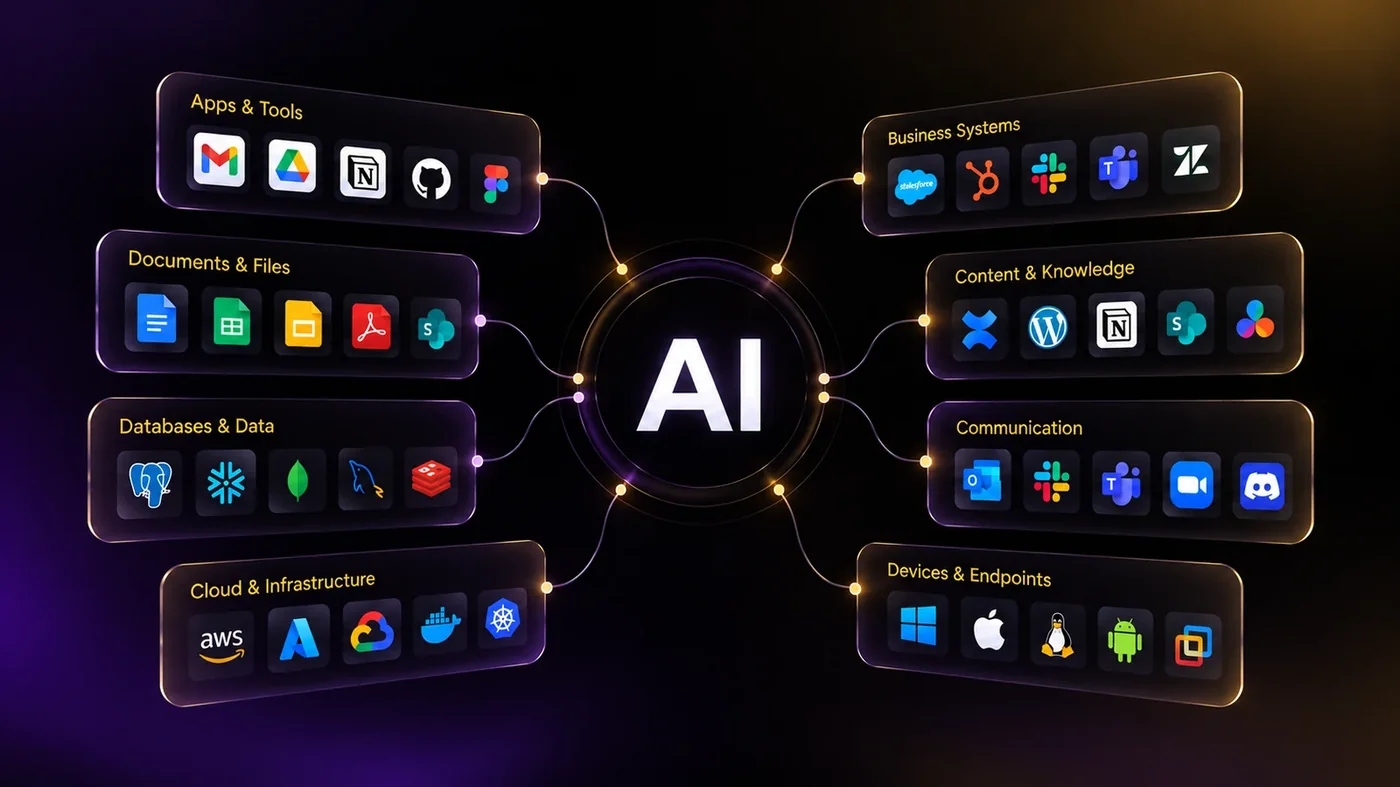
If your team spends more time working around software than working with it, the problem may not be your process. It may be the software itself. When your systems do not reflect how your business actually operates, you end up paying for technology while still doing the real work manually.